
The experiment set is on your desk, your access to praktikal.app is activated. And now? Here you can find out exactly what your first week looks like. Compact in: five days & five manageable steps. You start on Monday and by Friday you will have completed an interactive lesson, assessed it and shared it with a colleague. No prior knowledge of the platform is necessary.
Day 1: Unpacking and exploring the platform
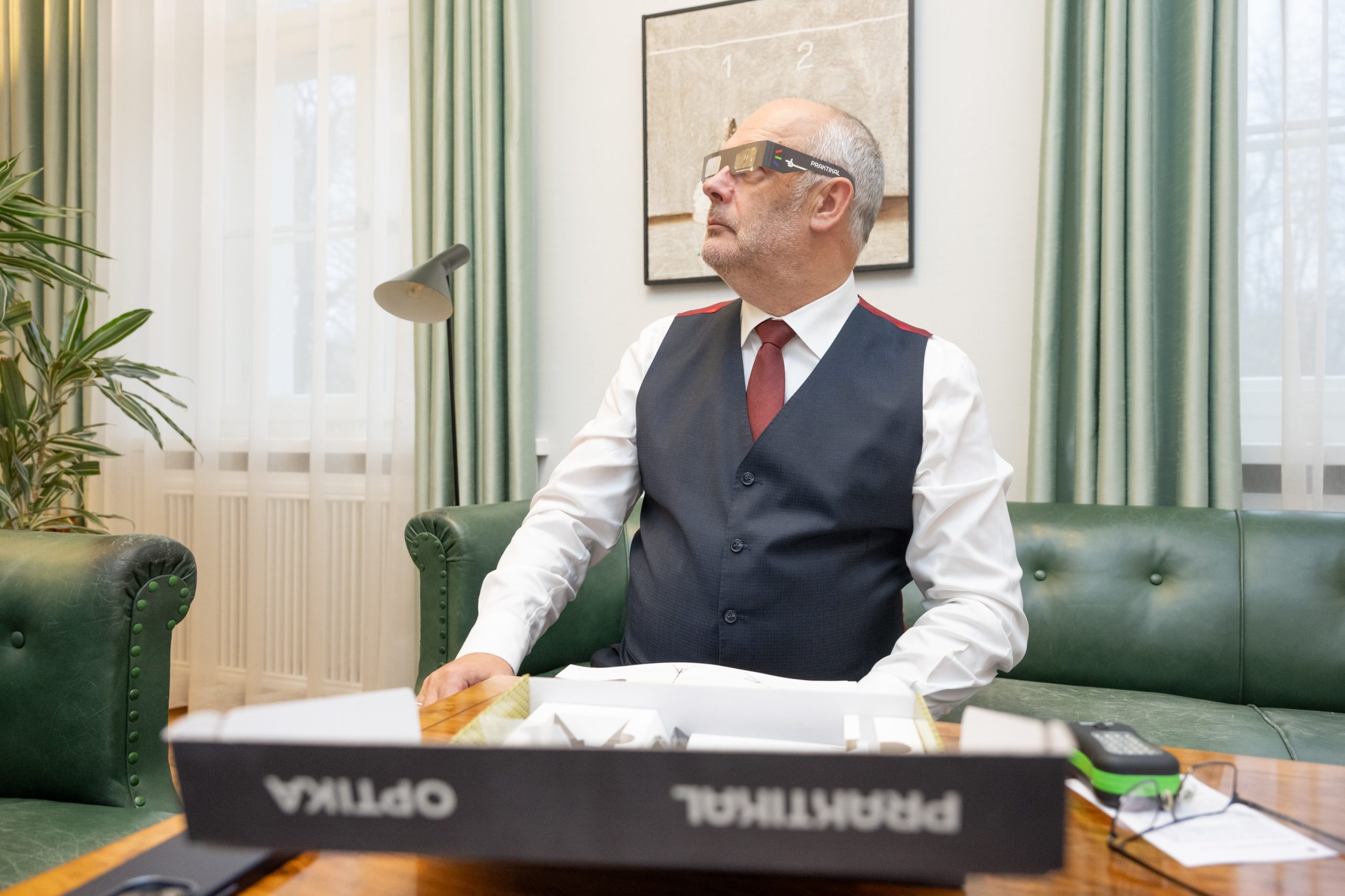
Start with the physical experiment kit. In it you will find experiment equipment and a printed teacher's guide that explains each activity step by step. Keep the kit handy, you will need it on day 3.
Open now praktikal.app in any browser and log in. This will take you to the repository. This is a searchable library with ready-made teaching scenarios. Use the filters to search specifically: by subject, topic or content type. Are you looking for a physics worksheet on the topic of forces? Enter the search term and filter. Each element in the library is available both as a digital version (for screens) and as a printable PDF - you decide later how you want to use it.
Take 15 minutes to browse around. Open a few scenarios and pay attention to the structure: Slides, questions, multimedia elements, methodological tips. Get an overview of what has already been prepared for you.
Over 150 ready-made activities for physics and chemistry are available - and the library is constantly growing.
Day 2: Selecting the first lesson
Select a teaching scenario from the library. Preferably one that fits in with your current lesson plan - the closer to the current lesson, the better.
Found it? Select Copy, to transfer it to your own area. This allows you to create your own personal version. The original remains unchanged in the shared library.
Now you have two options:
1) You can use the scenario exactly as it is - each lesson contains methodological comments that explain, like what you say and where learners experience difficulties.
2) Or you can customise it: replace a question, insert your own image, adjust the wording, rearrange or hide slides. The editor works like a presentation programme that you are already familiar with - simply drag and drop.
Either way: Your lesson is in minutes, not hours. That's exactly the point. Praktikal was developed by teachers who know that preparation time is the scarcest resource in every school.
Day 3: Off to class
Everything comes together today. You have three options for your lesson and can combine them as you wish.
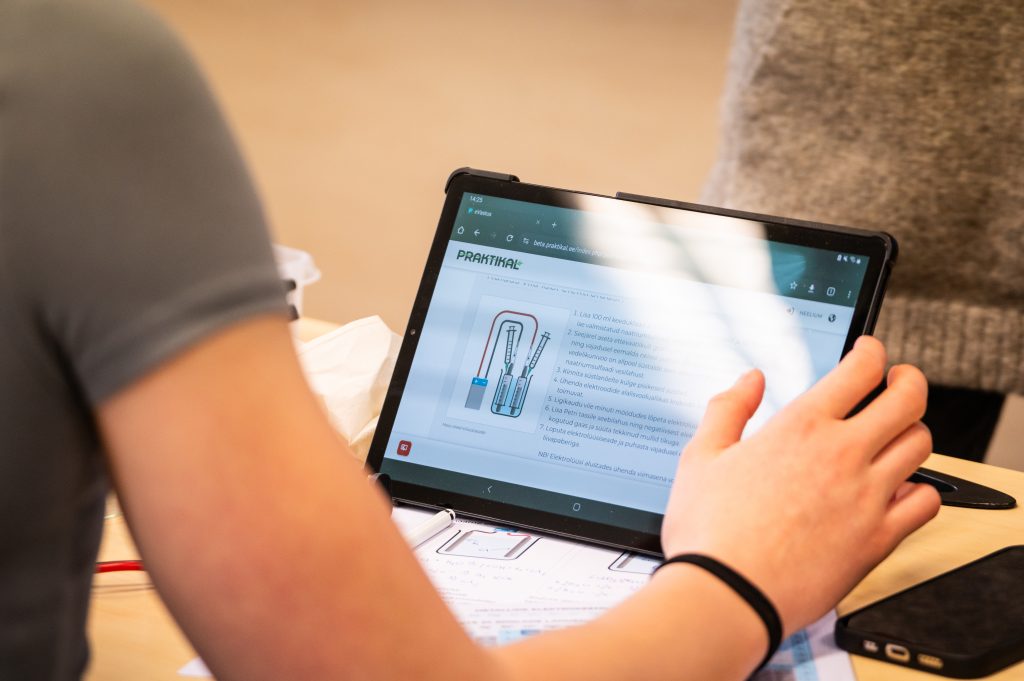
Variant A: Screen and end devices. Project the lesson onto a screen in the classroom while learners work on their own devices. If permitted, smartphones, tablets, laptops or Chromebooks are fully supported. Use the Follow mode, to keep the class on the same slide. If you keep scrolling, everyone keeps scrolling.
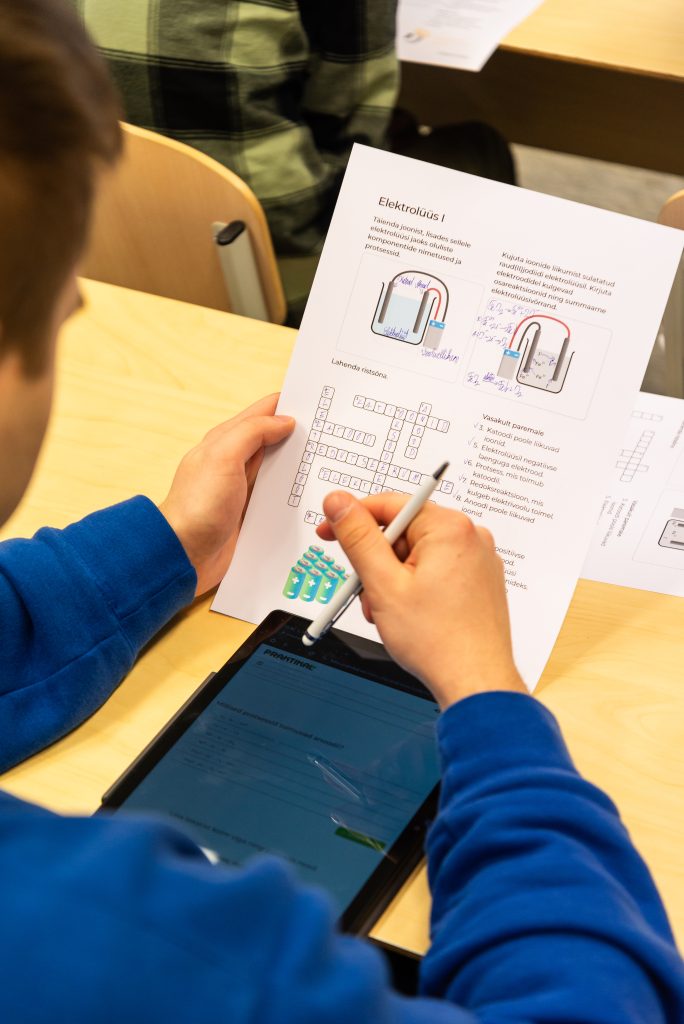
Variant B: Paper and digital combined. Distribute printed worksheets (exported as PDFs the day before) so that learners can work by hand while submitting answers digitally. This is particularly suitable for experiment-based lessons involving drawing, measuring and writing.
Variant C: Completely digital. Show the QR code or share the access URL. Learners scan the code, enter their name and are in. No account, no password, no app installation required. They work on their own devices at the pace you set.
During the lesson, a number of tools will help you to keep an overview. The Timer sets a visible countdown for tasks so that learners know exactly how much time they have. The Random generator Choose one person for the discussion - useful to involve the whole class and not just those who volunteer.
When conducting a hands-on experiment from the experiment kit, the digital lesson guides learners through the methodology while they work with the physical equipment. Both halves - digital and physical - are designed to fit together seamlessly.
Day 4: Evaluate and assess
After the lesson, open the Evaluation view for this session. There you can see all the learners' answers at a glance.
Automatically graded tasks - multiple choice, numerical answers, matching tasks - already have scores. Check them at will and overwrite each grade with a single selection. The platform grades automatically, but you always have the final say.
For open answers use the Group evaluation. The platform summarises similar answers so that you can assess comparable answers together instead of correcting 30 almost identical sentences individually. For a class of 25 learners, this can reduce your correction time by half or more.
You then have two options for passing on the results. Export everything to Excel - a detailed table with scores, individual feedback and answer data. Or send feedback directly to learners via the platform, with comments on each task and an overall score.
Either way, the correction work that used to fill a Sunday afternoon now fits into a free period.
Day 5: Share with a colleague
You have adapted, taught and evaluated a scenario. Now share it.
The basic version of a school licence covers 25 teachers. This means that all colleagues in your department - and beyond - can access the platform. Select Share, to share your customised scenario with other teachers in your institution. They can copy it, adapt it further or use it directly.
This is where the real added value unfolds. The preparation of a single teacher benefits the entire teaching team. Over the course of a term, a joint collection of tried and tested, customised lessons is created at your school. A new teacher who starts in the middle of the school year does not start from scratch - but can build on your previous work.
And because each scenario is available in both digital and print versions, colleagues with different teaching styles can use the same material in their own way.
What happens next
Five days are behind you. You have explored the platform, conducted an interactive lesson, evaluated efficiently and shared your work. That's the full cycle - and it gets faster with every week.
With over 150 activities in the library, you'll never run out of material. And with over 300 schools already using Praktikal in Estonia and growing distribution in the DACH region, you'll be joining a community of teachers who prepare less and teach more.
Ready to get started? Learn more about Praktikal and bring it to your lessons this half-year.